
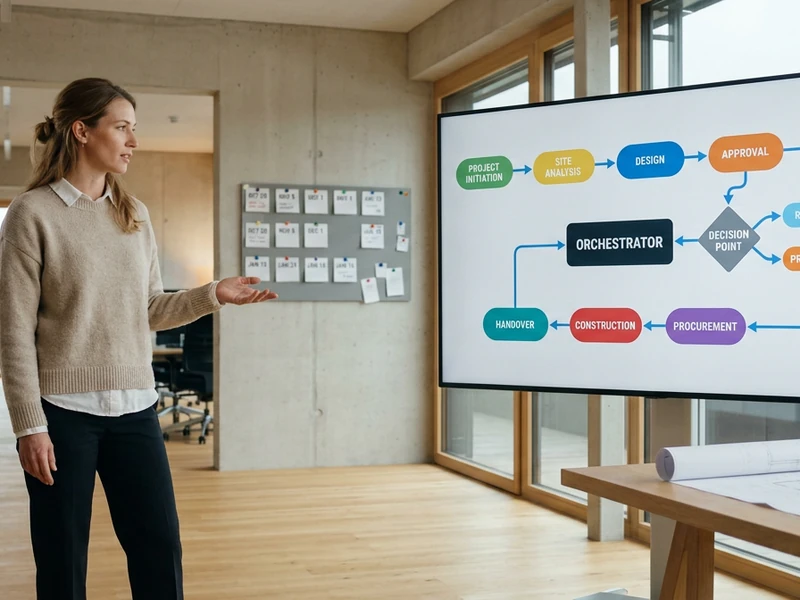
Current-State Analysis / Feature Definition

The current-state analysis checks every existing app: which functions already exist, which are only half used, and where a gap remains. Each of the five scored tasks gets its own feature definition from this before the first build begins. The sequence follows from which gap can be closed and judged the fastest.
Define the Solution Approach

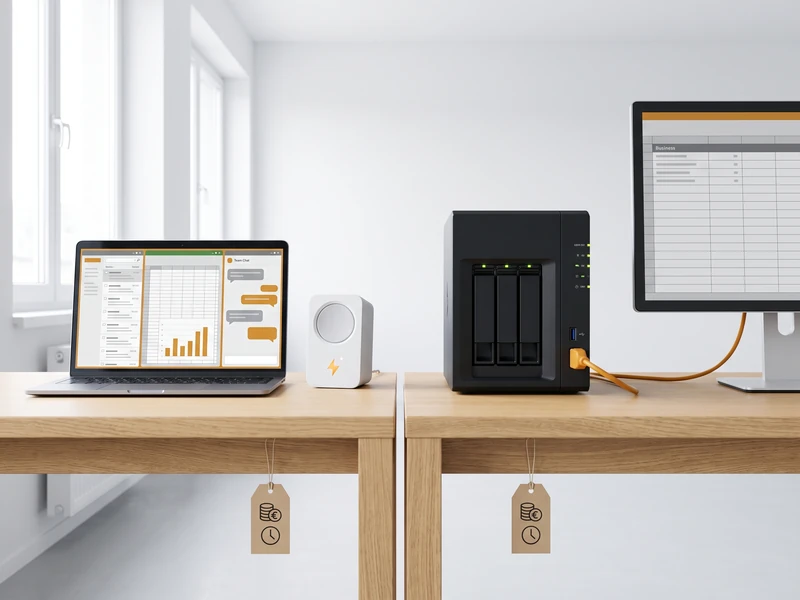
For every task, the plan decides between two paths: Low Code with Claude Cowork or Copilot Studio for work in Outlook, Excel and Teams, or Pro Code as a custom skill or MCP connector for everything no standard tool covers. Effort and running cost are estimated for the chosen path in advance, so the decision stands before the build instead of after it.

Acceptance and Extension

The acceptance criteria are fixed before the build begins: who accepts the result, and what tells a correct result apart from a wrong one. After go-live, the customer keeps the cost in view at any time in their own dashboard and can extend any task from there, without a new project having to be set up for it.
Reuse before build
what already works gets reused before anything new starts
Effort and cost
sit on the plan before anything is approved
Corrected as you go
each task ships alone, so the plan adjusts after every build

Analysis, Solution Approach, Acceptance

From Current-State Analysis to Feature Definition 3 steps
01

The Analysis Starts With the Scored Sheet

The current-state analysis takes over the sheet from discovery: five scored tasks, each with hours per month, a suitability total up to thirty, one leading route and an owner. For every task, the analysis also checks which function already exists in the existing apps and where the feature definition has to close a gap.
02

The Clearest Feature Definition Goes First

The first task is chosen by how quickly its feature definition stands and can be judged: an owner who recognizes a correct result, systems that are reachable today, and a failure that costs an afternoon at most. The saving counts only second.
03

Feature Definition Follows the Dependencies

Two tasks with the same feature gap and the same connector are planned together, and two with no overlap run in either order. The sequence follows from which tasks need the same permission or the same external decision, with a reason attached to every position.
The Solution Approach: Low Code or Pro Code 3 steps
04

Low Code or Pro Code: the Decision per Task

Work in Outlook, Excel or Teams takes the Low Code path through Claude Cowork or Copilot Studio. What no standard tool covers becomes Pro Code: a custom skill or MCP connector, time-boxed with a decision at the end and a fixed budget ceiling.
05

Payback for Both Solution Approaches

Baseline, target and difference are written in the same unit for both paths: hours per month. A Low Code approach and a Pro Code build become directly comparable this way, and a task that does not pay back within a year is recorded as such on the plan.
06

Build Cost and Running Cost per Solution Approach

Low Code carries mostly licence cost, Pro Code mostly model usage per run and a fixed hosting line. Both figures, the one-time build effort and the monthly running cost, sit on the plan for the chosen path before anything is approved.
Acceptance Criteria Before the Build 2 steps
07

Every Task Goes Into Acceptance on Its Own

Every task is scoped so it ships on its own and is ready for acceptance before the next one starts. That buys the right to be wrong cheaply: an assumption that does not survive the first build is corrected at the next task.
08

Acceptance Criteria Agreed Up Front

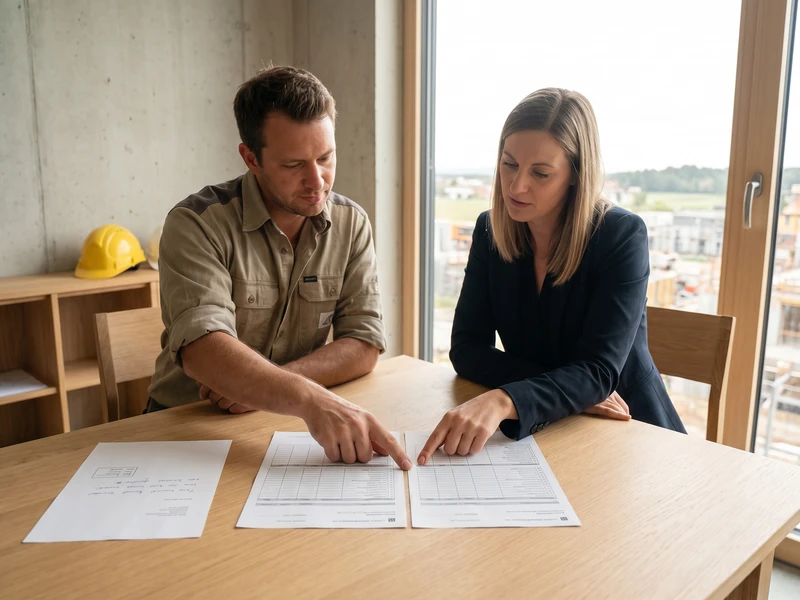
Whoever accepts the result today writes the criteria before the build: what a correct result looks like and what happens with a wrong one. That sentence decides when the build stops, and it is what the acceptance is measured against.
Cost Control and Extension in the Dashboard 2 steps
09

Costs Run Live in the Dashboard From Go-Live

Once the build is running, the customer's own dashboard shows the running cost and the new baseline in hours per month, available at any time instead of only at month end. The difference from the estimate is the actual saving, visible to the customer directly.
10

Every Build Opens the Next Extension

What the last build showed feeds straight into the next position: which systems ran as expected, which step took longer. An extension builds on the existing task, without a new project having to be set up for it.

Frequently Asked Questions

How is this different from the discovery phase that comes before it?
Discovery produces facts, this phase produces a decision. Systems analysis and a single session with the office count the recurring tasks, measure hours per month, score each one against six criteria and assign a leading route. This phase takes that scored sheet and settles what comes next: which task is built in September and which one waits until November, and what each will cost to run.
How long does the planning itself take?
It is measured in days. The work is the estimating: splitting each task into known work and unfamiliar work, checking that the systems named in its route can actually be reached, and getting the acceptance criteria written by the people who accept the results today. The output is a plan document.
What if the plan turns out to be wrong once the first build starts?
That is the reason each task ships on its own. An assumption that does not survive the first build is corrected in the second position, and the sequence is re-read after every build. The baseline and the acceptance criteria stay fixed, because both were recorded before anything was built and are what the remeasurement is read against.
Is this the same planning you do for a software project?
No, and it deliberately stays off that ground. An engineering plan fixes a file tree, an owning track per path and every shared interface verbatim so several build tracks can run at once against one codebase. This one sequences office tasks against the systems a company already runs, in hours per month and running cost per month. If the work is a build on your own codebase, the fact gathering and planning page on the engineering branch is the one that applies.