
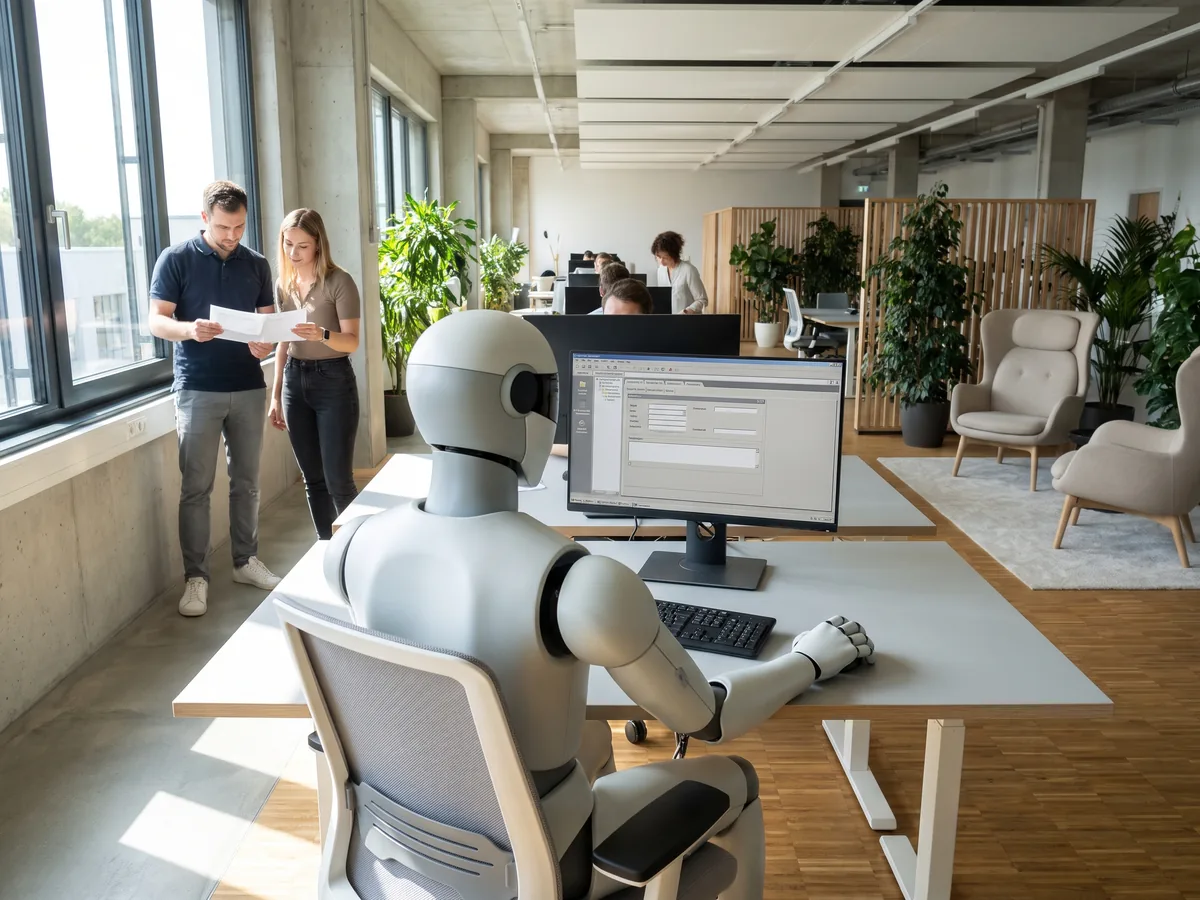
You have programs that someone operates by hand on a regular basis because they offer no connection to other tools. Describe the task, and the AI opens the program, clicks, types and reads what is on screen. The software stays as it is, and every run comes with a report of all steps and a recording to watch afterwards.
In use
Our own practice keeps setup work in the Outlook desktop app as a guided run driven by computer control, such as the signature with logo.
The Agentic Part
An agent works from what is visible on screen. It recognises buttons, menus and fields the way an employee does and decides at each step what to do next. It clicks, types, scrolls and uses keyboard shortcuts, and after every action it takes a fresh screenshot to check that the program looks as expected. The software needs no special labels or interfaces for this. Where a Windows program exposes its controls by name, the agent uses those names, which is faster and more reliable than reading the screen. It minimises windows and closes one when you ask it to.
Main Features
- A report for every run with all steps and a recording to watch afterwards
- Programs without an interface, such as an ERP system or an internal admin tool
- Windows, macOS and Linux are supported
- Work on a remote Windows machine over Remote Desktop (RDP), which leaves your own computer free
- A faster and more reliable route through control names where a Windows program provides them
- A check on screen that the expected result is visible after the task
- Windows are minimised and closed when you ask
Use Cases
- Your bookkeeping keeps entering figures into an older program that has no interface. The agent opens it and enters the figures, and the report shows you every step.
- You build your own desktop application and want to know before each release whether it can be operated. The agent clicks through it and checks on screen that the expected message appears.
- A task belongs on a remote Windows server. The agent connects over Remote Desktop, and your own computer stays free.
What we build for you
- The programs the agent should operate and the computer they run on
- The task in your words, with the result that should be visible at the end
- Access to a remote Windows machine, if the work happens there
- The on-screen check that marks a run as finished
- Safe storage for the login details, so they never appear in a task description