
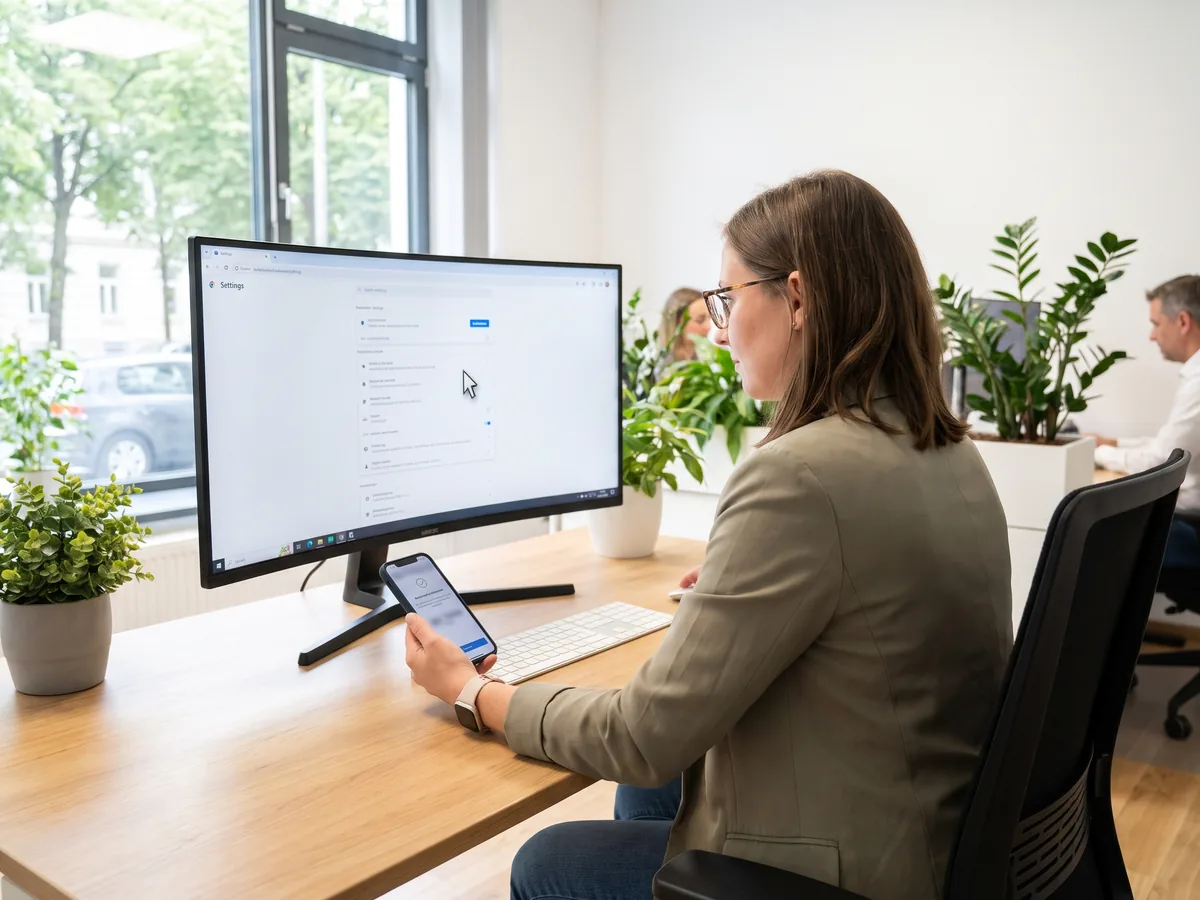
Have recurring settings in admin portals handled in the browser, such as DNS records at your domain provider or settings in the Microsoft 365 admin center. The procedure is played through once with guidance and saved as a click path, a record of every click, and then stays ready for each repeat. You handle the sign-in and individual confirmations, such as accepting an invitation, yourself.
In use
Our own practice keeps its recurring setup work, such as DNS records, nameservers and Outlook signatures, as guided browser runs with a saved click path.
The Agentic Part
An agent carries out the setup in the browser the way an employee would: it opens the portal, works through the menus step by step, enters the values and saves. On the first run every step is guided and recorded in the click path, so the route can be repeated. Where a task has an API (a programming interface) or a command-line command, as with guest access, roles and permissions, it takes that route. The browser is used for the parts that offer no other access. Sign-in, invitations and approvals are marked as manual in the procedure and stay with you.
Main Features
- Sign-in, invitations and approvals stay with you
- Settings in portals without an interface, such as DNS records, nameservers and domain confirmation at the domain provider
- Settings in the Microsoft 365 admin center, such as for agents and Cowork
- Set up access for Google Analytics and the YouTube interface
- Maintain the Google business profile and the Outlook signature on the web
- A saved click path per task, so the setup can be repeated
- Where an interface or a command exists, the agent takes that route, for example for guest access and roles
Use Cases
- Your domain moves to another provider, and nameservers and DNS records have to be set in the provider's portal. The agent enters them step by step, and your sign-in stays with you.
- Your signature with logo should be the default for new mails, replies and forwards in Outlook on the web. The agent creates it and sets it as the default.
- An application should read from Google Analytics. The agent goes through the required steps in the browser, and you confirm what your sign-in asks for.
What we build for you
- The portals and tasks for which a click path should be created
- The guided first run of each task, from which the click path is built
- The decision which steps stay with you, such as sign-in and confirmations
- The check where an interface or a command fits better than the browser