
Your House Style
Named styles turn a description into a prompt in the look of your brand. Reference images bring your products and colours into new pictures, so the images of one campaign belong together.
AI Image, Video & Article Studio makes your marketing content in your house style: AI images and clips, videos from storyboard to YouTube, and articles with a fact check. Named styles and reference images keep every picture in the look of your brand.
The three apps of the studio work as one. Media Creator makes the images and clips. Motion Pitcher turns your story into a finished video on YouTube and takes its images and clips from Media Creator. The article writing creates each article with its image and checks it before it goes live.
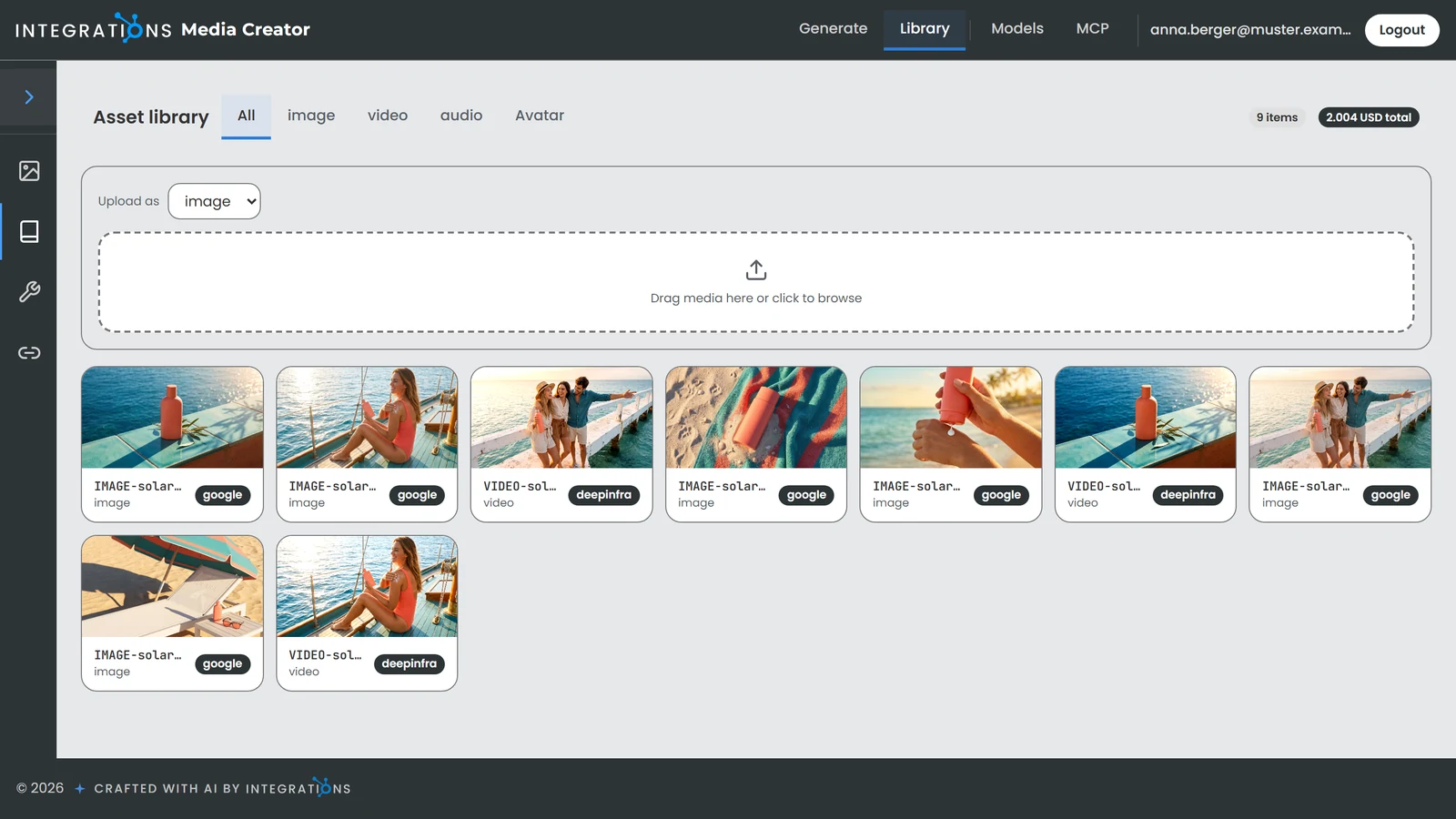
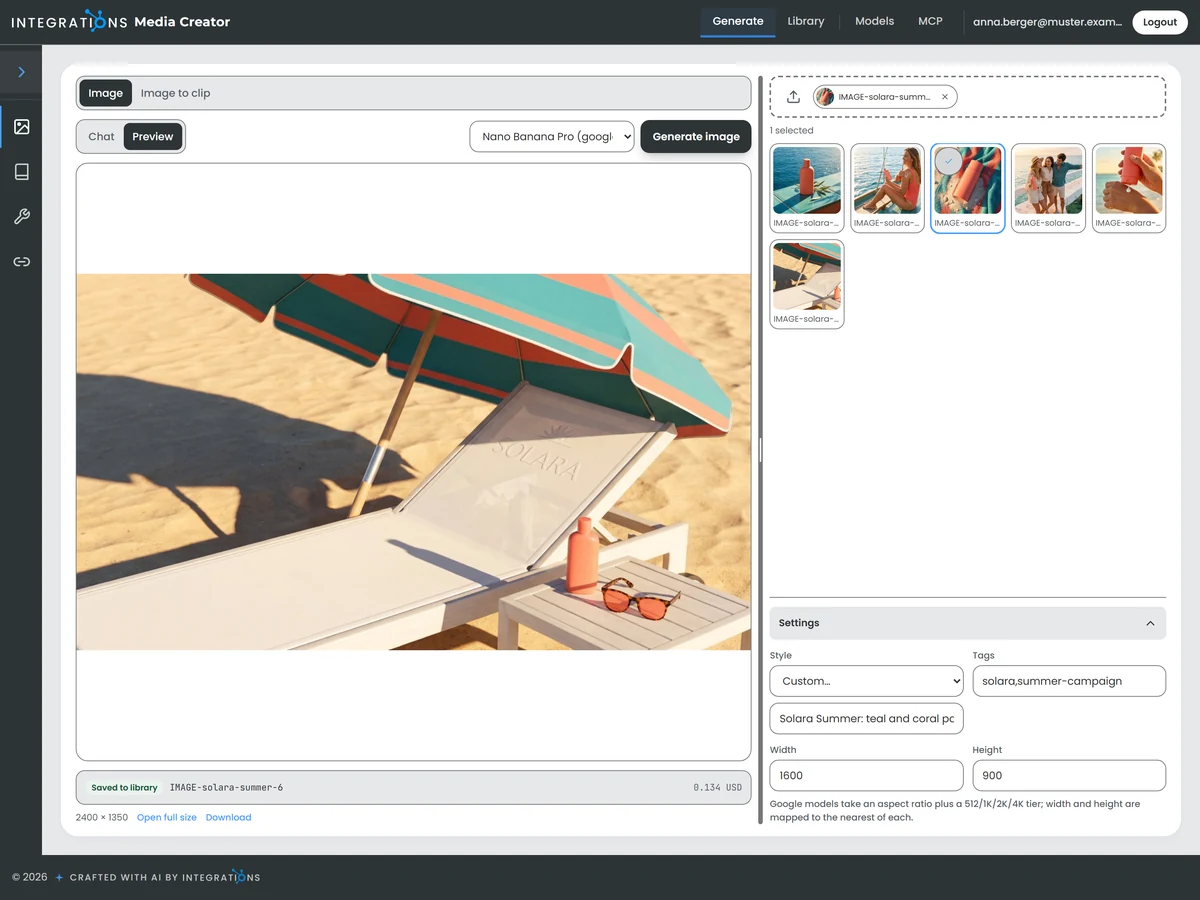
Describe the picture you need, or add one or more reference images, and the AI image generator of Media Creator creates it in a named style of your brand. Every image is saved in your media library with its tags.
You see the final prompt the style builds from your description and refine its wording, free of charge, before the image is made.
Each image runs on the model you choose for the task and is billed per picture by its provider.
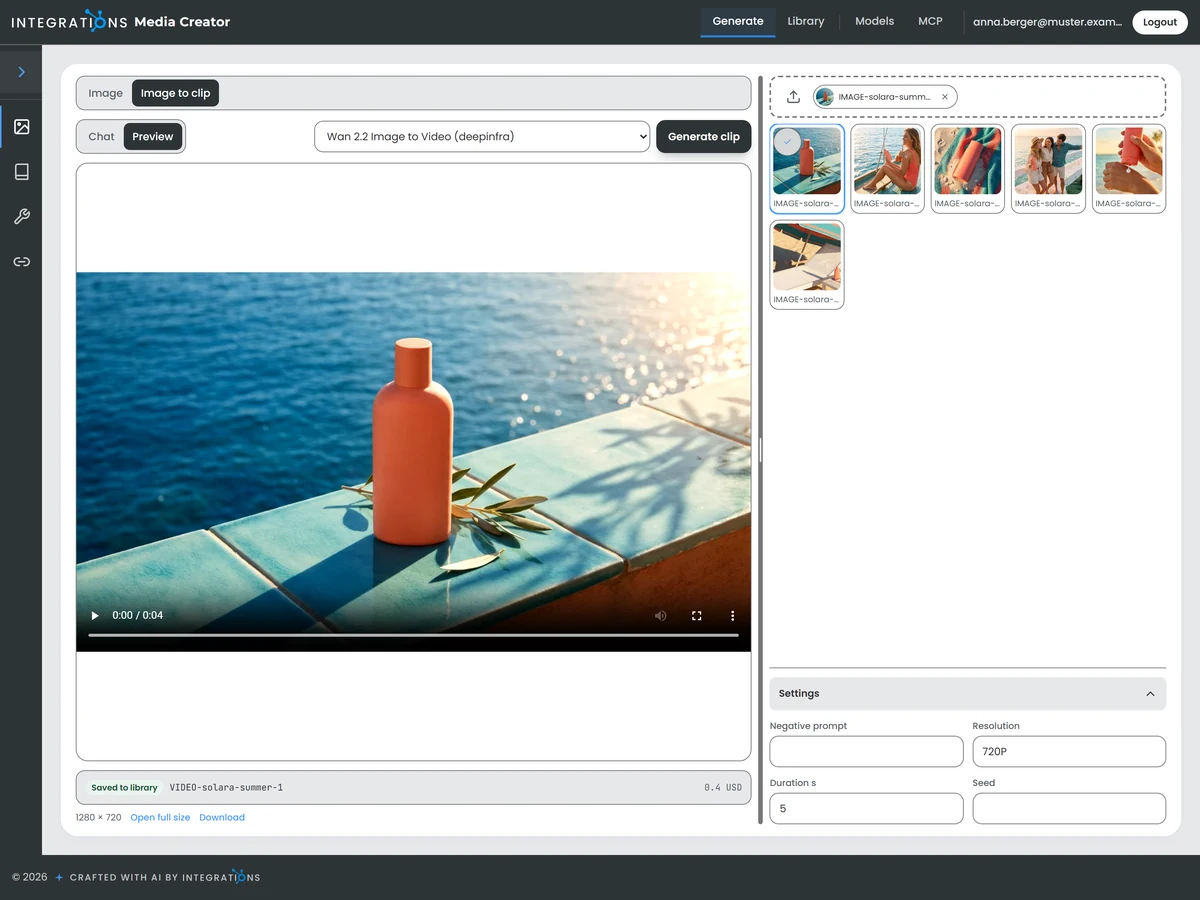
The AI video generator of Media Creator makes short clips from a text prompt, from a first frame, or from a first and a last frame. A still image from your library becomes a moving scene in the same look.
You choose the frames and describe the motion in a few words before the clip is made. The finished clip lands in your media library beside your images.
Clips run on video models from Google and DeepInfra and are billed per second of output. Clips from a text prompt run on Google.
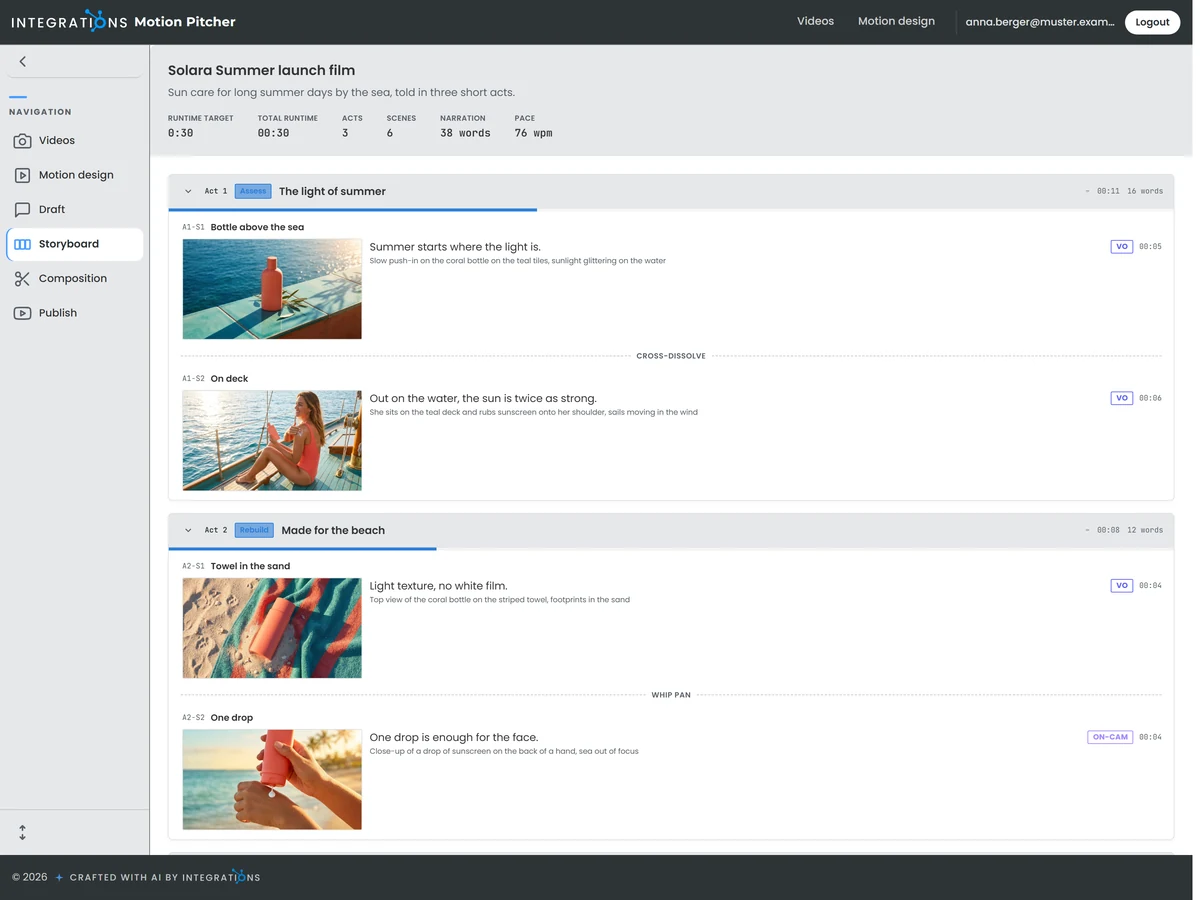
Your video starts in a chat: you tell the assistant what the video should say, and together you draft the story. Motion Pitcher turns it into an AI storyboard of acts and scenes, each with its picture description, its lower third, its transition to the next scene and the narration spoken over it.
Each scene carries a review note, so your comments stay with the scene they concern.
The storyboard is the plan the composition builds the finished video from, act by act.
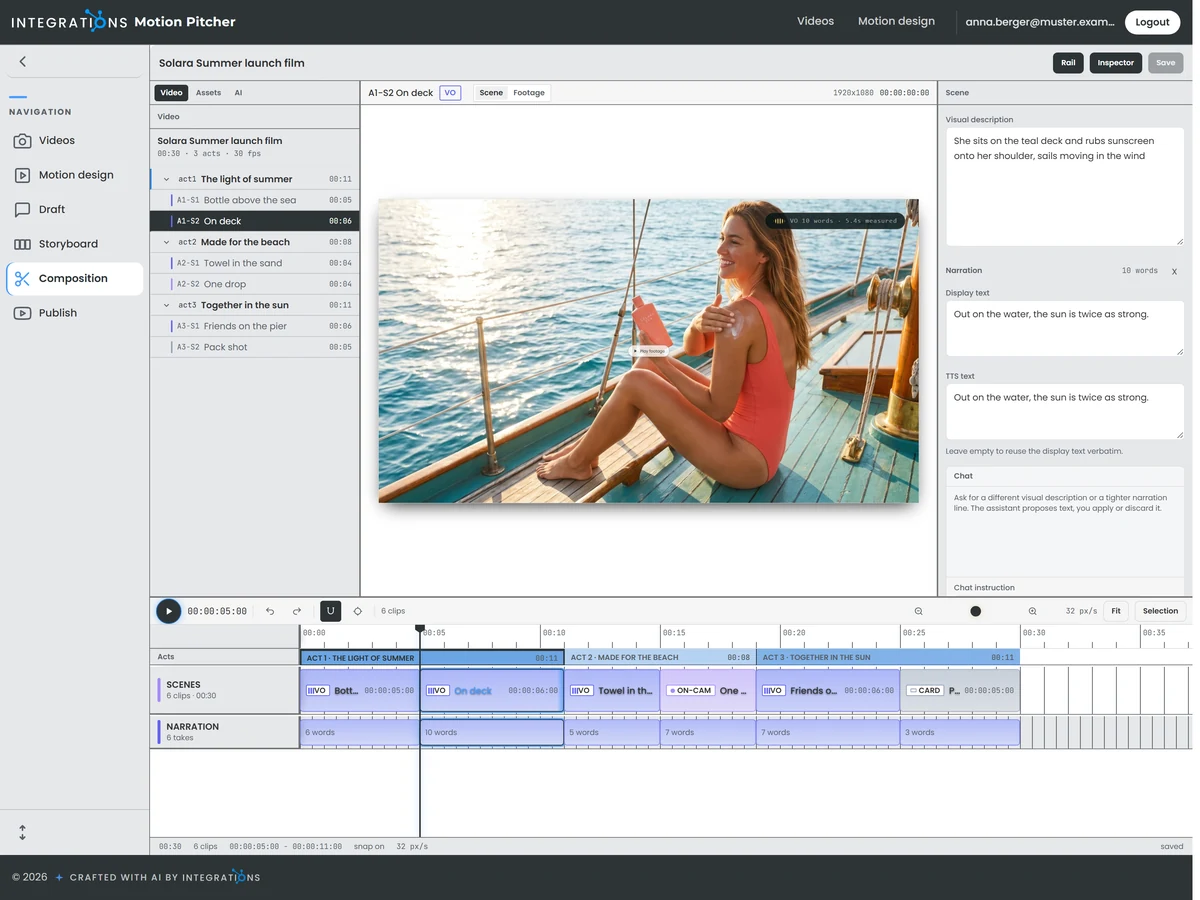
The composition lays out your video on a timeline of acts, scenes and narration. Select a scene, and the preview shows its frame with its images and clips.
You check each scene in the preview and compile the whole video, or one act at a time after a change.
The images and clips of every scene are generated through Media Creator and kept with the video, so your videos draw on the same image and video models as the rest of your content.
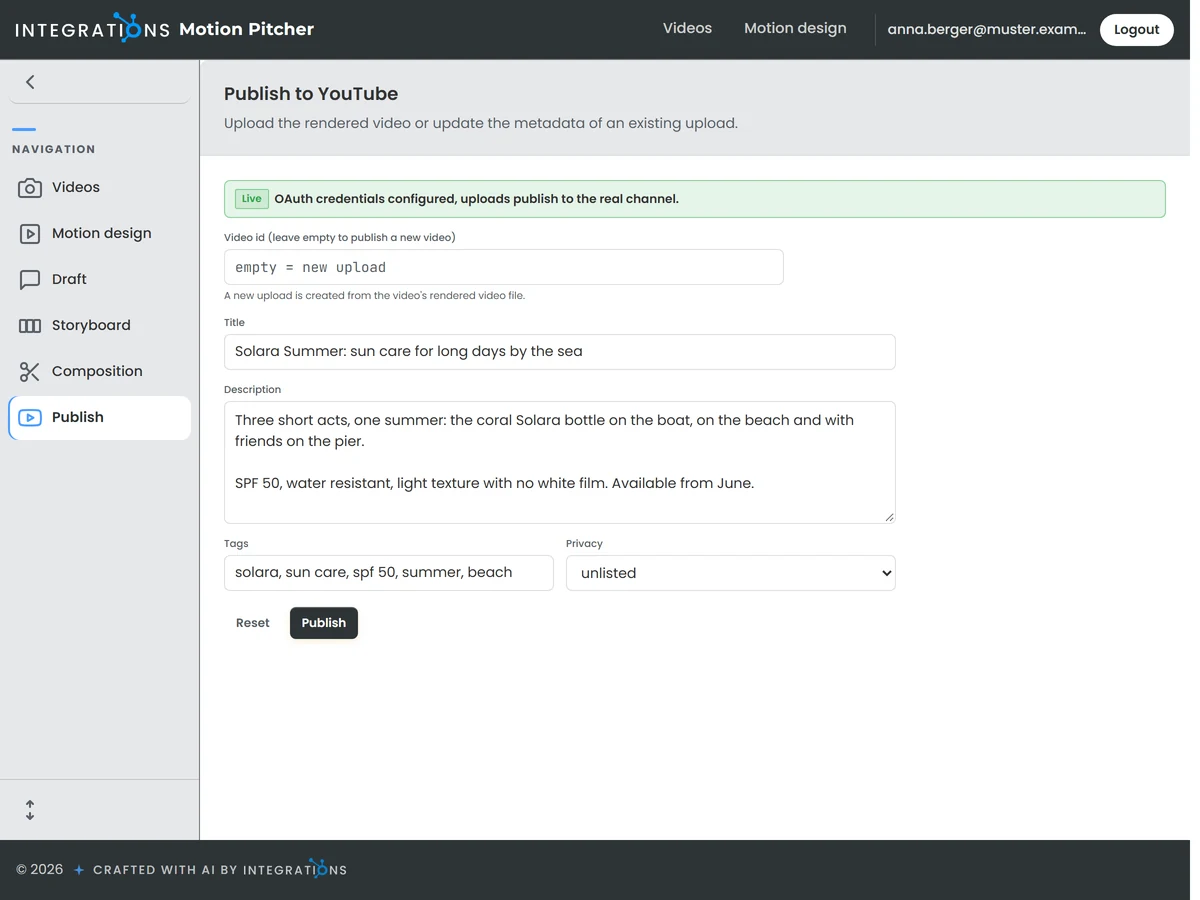
When the video is finished, Motion Pitcher uploads it to your YouTube channel. Title, description and tags are set on the publish page before the upload, so the video goes online with its details complete.
You review these details and start the upload yourself.
Motion Pitcher is connected to your YouTube channel and updates the details of a published video.
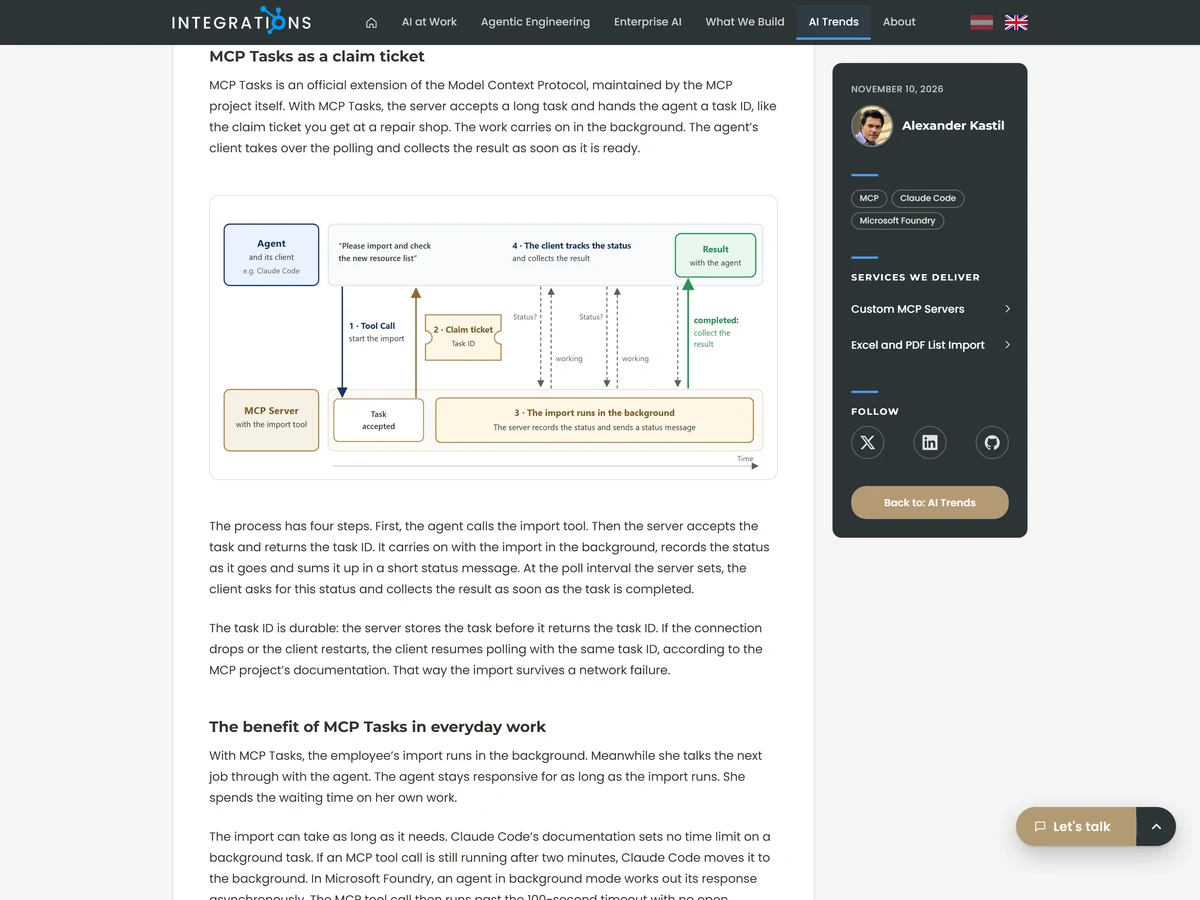
The article writing turns a topic into a finished article for your website, with an image of its own. Facts are gathered and the story is set first. Then the article is written, rewritten and checked by a separate judge and a fact check.
You preview the draft on your site and release the article when it is ready.
AI agents research and write each article and generate its image through Media Creator.
Named styles turn a description into a prompt in the look of your brand. Reference images bring your products and colours into new pictures, so the images of one campaign belong together.
Choose the image model for each task from Microsoft Foundry, Google and DeepInfra. The model catalogue lets you add, change and remove models, so every job runs on the model you prefer.
Send a whole series of image prompts in one run. Media Creator passes them to Google as one batch job at batch pricing and reports its progress until every image is ready.
Ask in your own words for a different picture description or a tighter narration line. The assistant proposes the new text of the scene for you to apply or discard.
Each act of your video is narrated in one voice, so viewers hear one speaker per chapter. The narration is written scene by scene and keeps its audio and spoken length with each scene.
Every article passes two quality checks: a judge separate from the writer and a fact check. Both report their findings, so each article has been read twice before it reaches you.
Your screen recorded on demand, and any recording sped up into a timelapse.
Images, clips and your media library, reached from a chat in Claude or the AI of your choice.
A version of each article in a second language, written on request from the finished original.